Skip to content
TrueStack

TrueStack

TrueStack Direct Connect

Menu

  • How it works
  • Get Started
  • Pricing
  • Resources
    • Guides
    • Documentation
    • Partner
    • Articles
  • Login

Microsoft Azure

You are here: TrueStack > Blog > Microsoft Azure

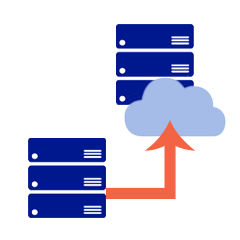
Move your server to the cloud

Move your server to the cloud

Onsite Windows Server crashes, reaches the end of its life or it’s time for an upgrade? The old way: Replace it onsite The new way: Migrate it to Amazon Web Services or Microsoft Azure using TrueStack Direct Connect.  TrueStack Direct

steve April 19, 2018September 19, 2019 AWS, Azure, Server Migration, Windows Active Directory, Windows Server Read more
How to add computers and connect them to the TrueStack VPN.
TrueStack Walkthrough: How the Network Tab Works

Have Questions?

TrueStack Support
Email support@truestack.com.

TrueStack Documentation

TrueStack is launching on cloud platforms all over the world, however you can install the TrueStack server on your own local network or local server. See Support.

  • Keep AD where it is.
  • Why use an RMM if you already have Active Directory?
  • Manage Your Domain-Joined Computers from Anywhere
  • A VPN Architecture That Lets Active Directory Reach Remote Computers
  • Active Directory Requirements for Managing Computers and Users Outside the LAN

Contact Info

  • TrueStack Inc.
  • 4340 35th Street
    San Diego, CA 92104
  • email: info@truestack.com

TrueStack

  • Home
  • Launch
  • Pricing
  • Documentation
  • Account
  • About

Links

  • AWS Marketplace
  • Azure Marketplace

Social

  • Facebook
  • LinkedIn
Copyright © 2026 TrueStack. All rights reserved. Theme Spacious by ThemeGrill. Powered by: WordPress.